
29/04/2026
How to install CS to M12 adapter
Low profile M12 to CS lens adapter M12-TO-CS-ADAPTER was designed for wide angle and fisheye lenses. These lenses typically feature compact design and have short back focal distance.
The diagrams below show the recommended installation sequence, from preparing the adapter and installing it into the camera to setting the initial focus position of the M12 lens and completing the final adjustment. This method is used to secure short back focal length M12 lenses in a CS mount camera, while still allowing accurate focus setup. Longer focal length lenses can also be used with a 5 mm spacer ring (CS to C adapter).
Installation, can be slightly tricky as access to the M12 set screw is restricted.

1. Prepare M12 to CS lens adapter and camera. Keep lens nearby to minimize open camera dust exposure.

2. Install adapter.

3. Adapter should be flush with the camera flange. Do not tighten nor use the set screw yet. This step is to determine approximate focus point.
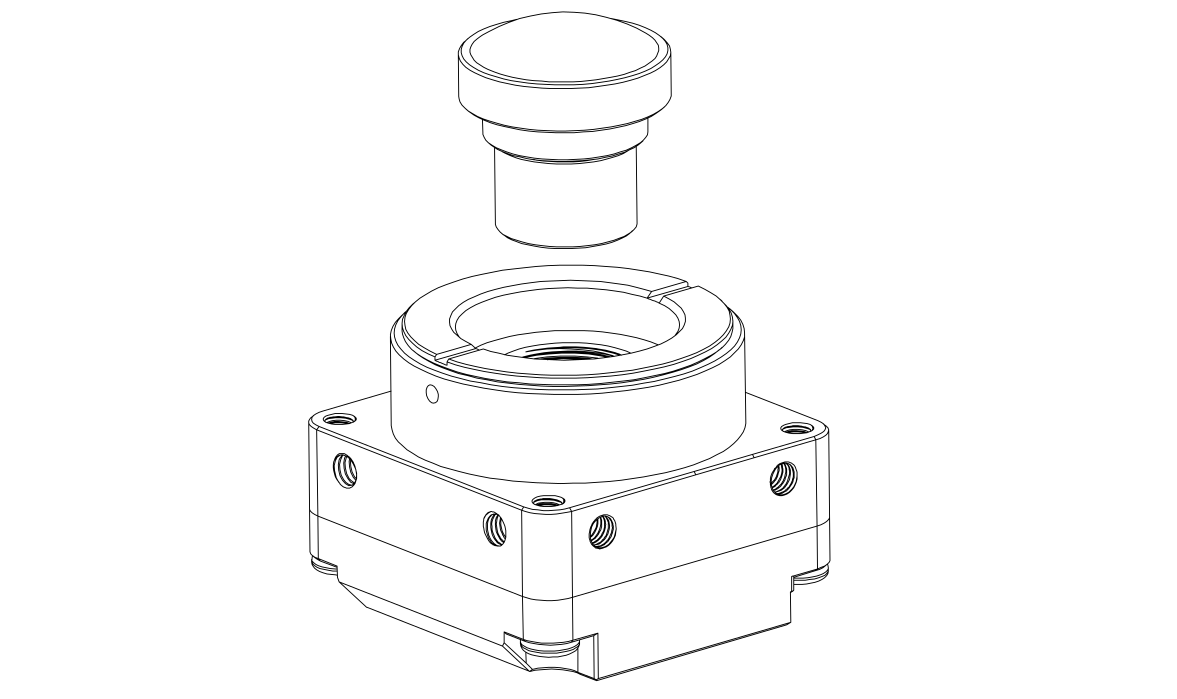
4. Install M12 lens.

5. Connect the camera to host for live preview and adjust M12 lens for approximate focus position.

6. Twist M12 lens half-turn (or a bit more) clockwise (deeper into the camera). This is an important step. In the final installation step, it will give some room for final focus adjustment.

7. Unscrew adapter with lens from the camera. Try not to manipulate lens.

8. Install and tighten set screw. Mate lens with adapter.

9. Lens is now secured in the adapter.

10. Install lens with adapter into the camera.

11. Small gap should be left for focus adjustment.

12. Install set screw while verifying desired focus on live preview software.

13. Fasten the set screw - lens is secured and ready for use.